Your Browser May Already Be Enough
For many people, the browser they already use is a perfectly workable place to store passwords. Modern browsers can generate strong credentials, autofill them across familiar websites, and sync them between devices signed into the same account. That covers the basics without another subscription, app, or setup process. If you use one browser consistently on a personal computer and phone, the convenience can be hard to beat.
The limits appear when your habits become more complicated. Browser storage may be less useful across different browsers, shared devices, or family accounts, and its features can vary by platform. Recovery options, secure sharing, emergency access, and support for non-browser logins may also be limited. The practical question is not whether a dedicated manager is automatically safer, but whether its extra controls solve problems you actually encounter.
What Your Browser Handles Well
For everyday browsing, the built-in tools cover more than basic storage. A browser can suggest a long, random password when you create an account, save it without requiring you to remember anything, and fill it in later with minimal effort. It can also warn about reused or exposed passwords, depending on the browser and account settings. Because these features appear during sign-up and login, they fit naturally into habits people already have rather than asking them to maintain a separate vault.
Browser syncing is another practical strength. Someone using the same browser on a laptop and phone can usually access saved credentials on both, while changes made on one device appear on the other. This works especially well for users with a small number of personal devices and one main browser. The trade-off is that convenience depends on keeping the browser account protected with a strong sign-in password and, ideally, multifactor authentication. If those protections are ignored, synced access becomes a weakness rather than an advantage. Even so, for a consistent, single-user setup, browser storage often provides strong convenience at no extra cost.
Where Dedicated Managers Pull Ahead
The difference becomes clearer when passwords need to work beyond one browser ecosystem. A dedicated manager can usually fill credentials in multiple browsers, mobile apps, desktop programs, and sometimes command-line tools. It may also store secure notes, identification details, recovery codes, and other information that browsers are not designed to manage. For someone who uses a work laptop, personal phone, several browsers, or a mix of websites and apps, that broader coverage can remove repeated workarounds.
Dedicated managers also tend to offer more deliberate sharing and recovery features. A household may be able to share selected logins without revealing the underlying password, while emergency access can help a trusted person reach important accounts if the owner cannot. Some services check for weak, reused, or compromised credentials across the whole vault and provide clearer ways to organize repairs. These benefits come with costs: learning a new interface, importing passwords carefully, and possibly paying a subscription. A manager can also become inconvenient if its app is poorly supported on one of your devices. Its advantage is therefore strongest when portability, shared access, or broader account coverage matters enough to justify another system.
Security Depends on More Than Storage
Whether passwords sit in a browser or a dedicated vault, their security depends on the account protecting that storage. A strong master password, multifactor authentication, device updates, and a screen lock often matter more than the product category itself. A browser account with weak protection can expose a large collection of synced credentials, while a dedicated manager with a reused master password creates a similar risk. The safest setup is one where the main account is difficult to take over and recovery details are kept current.
There are also smaller risks that are easy to overlook. Autofill can be unsafe on a shared or infected device, and saving passwords on a work computer may conflict with company rules. Dedicated managers may reduce some exposure by separating credentials from the browser, but they still depend on trustworthy apps, careful autofill settings, and secure devices. They also introduce a single vault password that must not be lost. Security improves when the system makes good habits easy: unique passwords, prompt breach repairs, limited sharing, and reliable recovery. Storage alone does not provide those protections.
The Device and Family Test
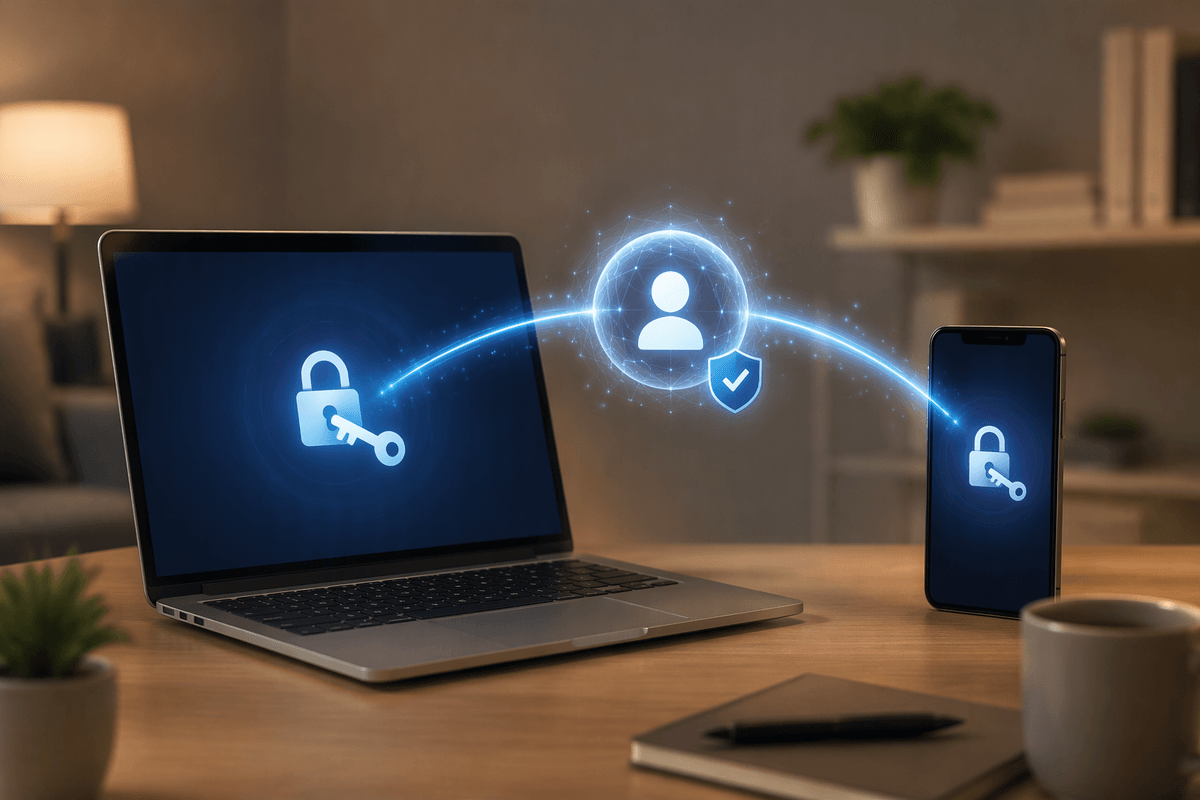
A simple test is to count how many places need reliable access to the same credentials. One personal laptop and phone, both using the same browser, usually favor browser storage. The arrangement becomes less tidy when a household includes different phones, tablets, browsers, or operating systems. A dedicated manager can provide one vault across that mix, while browser-based storage may require duplicate accounts, manual transfers, or a compromise on which browser everyone uses.
Family use also changes the standard for convenience. Sharing a streaming login is easy; sharing banking, utility, or recovery access requires more control over who can see or change each credential. Dedicated managers often handle separate vaults, selected sharing, and account recovery more clearly than browser tools. However, every family member still needs to understand the basic workflow, keep devices locked, and respond to approval or multifactor prompts. Older devices, limited technical confidence, or inconsistent internet access can make a sophisticated system harder to maintain. If most people in the household use one browser on personal devices, its simpler setup may be the safer practical choice because they are more likely to use it correctly.
When Switching Is Worth the Trouble
Switching is worth the trouble when your current setup repeatedly creates friction or leaves important gaps. Signs include moving between browsers, using several operating systems, managing work and personal accounts, or needing passwords inside mobile and desktop apps. A dedicated manager can also make sense when family members need selective access, when you want secure storage for recovery codes and other sensitive notes, or when repeated-password warnings are difficult to act on in a browser. In these situations, the manager’s value comes from reducing work and improving control, not simply from storing passwords in a different place.
The change still has a real setup cost. You must import existing credentials, remove duplicates, replace reused passwords, install apps or extensions, and learn how sharing and recovery work. Some passwords may not transfer cleanly, and a subscription may be difficult to justify for a simple one-person setup. Switching is less compelling when one browser already covers your devices, autofill works reliably, and you rarely share accounts. Before moving, identify the specific problem you want to solve. If the answer is portability, household access, or broader protection, the added system may earn its place. If not, improving your browser account’s security may deliver most of the benefit with less disruption.
Choose the System You Will Actually Use
The best choice is usually the system that removes the most risk without creating habits you will abandon. If one browser handles your personal devices, turn on account protection, use generated passwords, enable multifactor authentication, and review saved credentials periodically. If your life spans several browsers, devices, or family members, a dedicated manager may justify its cost by keeping access consistent and sharing controlled. In either case, keep the vault or browser account protected by a strong, unique sign-in and a reliable recovery method.
Do not choose based only on feature lists. Test the setup on every device you use, confirm that autofill behaves as expected, and make sure other household members can follow the process. A simpler system used consistently is safer than a sophisticated one that gets bypassed, duplicated, or forgotten. The practical goal is not maximum functionality; it is dependable use of unique passwords, secure access, and timely repairs when an account is exposed.