What Do You Want to Track?
A tracker is easier to compare once you decide what you actually want it to measure. If your main goal is counting steps, monitoring walks, and checking sleep, a simple band may provide everything you need. Runners, cyclists, and swimmers may need more reliable GPS, workout modes, and water resistance. People focused on health trends might prioritize heart-rate readings, blood oxygen estimates, stress tools, or irregular rhythm alerts.
These features are not equally useful for everyone, and more measurements do not automatically mean better value. Consider how often you will review the data and whether it can change your behavior. A device with advanced training metrics may be wasted if you only check daily activity. Also remember that some health features vary by region, phone, and subscription plan, so confirm that the functions you want will work with your setup.
Match the Tracker to Your Routine
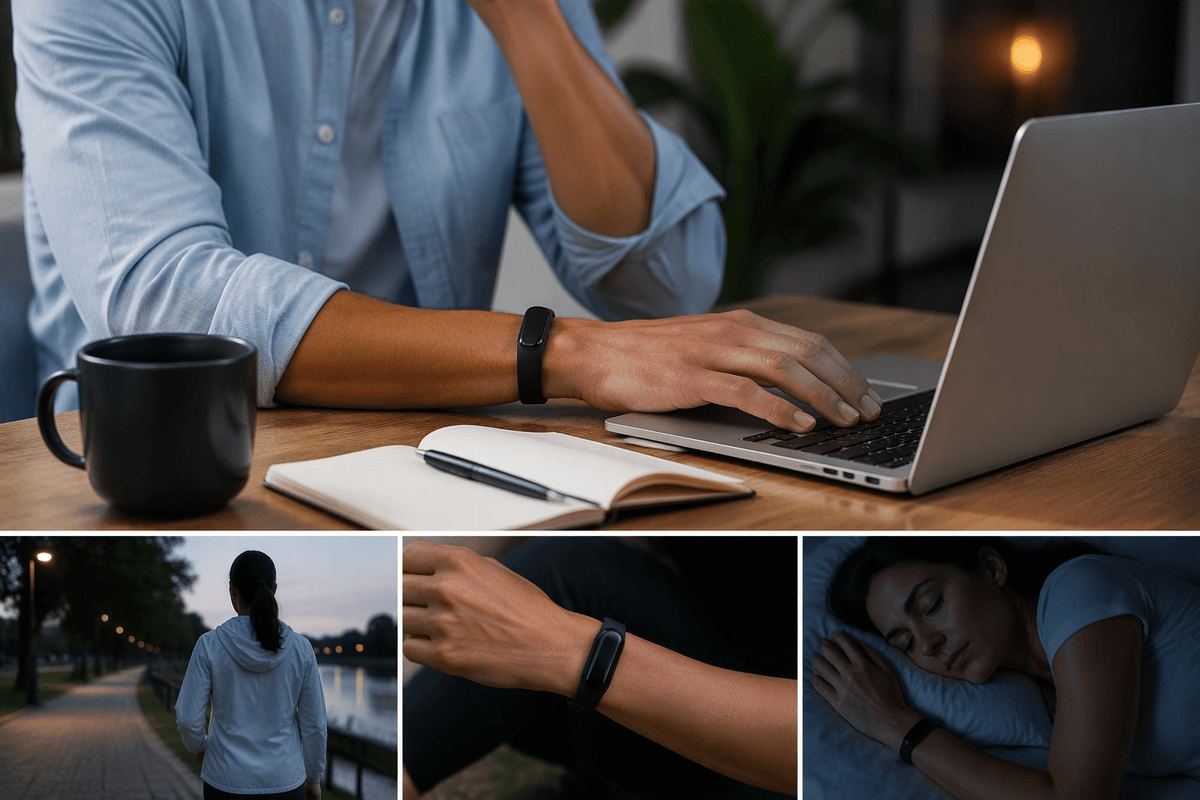
Your daily routine should shape the tracker you choose. If you spend most of the day at a desk and exercise casually, a slim band with automatic activity and sleep tracking may be easier to wear than a feature-heavy watch. If you run outdoors, compare GPS performance, workout controls, and how clearly the screen works in bright light. Cyclists may value phone-free navigation or sensor support, while swimmers need dependable water resistance and pool tracking.
Think about when you will wear and interact with the device, not just what it can measure. A watch can be useful for notifications, timers, and workout feedback, but its larger size may become uncomfortable during sleep or strength training. A tracker that requires frequent charging can also disrupt overnight data, even if its sensors are capable. Before buying, consider your phone, preferred activities, work environment, and charging habits together. The best match is usually the device that fits naturally into your routine, rather than the one with the longest feature list.
Which Metrics Actually Matter?
A tracker can collect a surprising amount of data, but the useful metrics are the ones that answer a specific question. Steps and active minutes are practical for building a more consistent routine. Distance and pace matter more to runners and walkers, while heart-rate zones can help athletes judge workout intensity. Sleep duration may reveal schedule patterns, although sleep-stage estimates are better treated as rough guidance than medical measurements.
Accuracy also depends on how the device is used. Wrist-based heart-rate readings may be less reliable during intervals, strength training, or activities with repeated wrist movement. Step counts can vary between devices, and calorie estimates are not precise enough to guide eating decisions on their own. Look for consistent trends rather than reacting to a single unusual reading.
Prioritize metrics you will check regularly and understand well. Advanced recovery scores, stress measurements, and readiness ratings can be helpful, but they often depend on wearing the tracker continuously and may sit behind a subscription. Paying more for data that does not influence your choices adds complexity without much value.
Fitness Tracking Versus Smartwatch Features
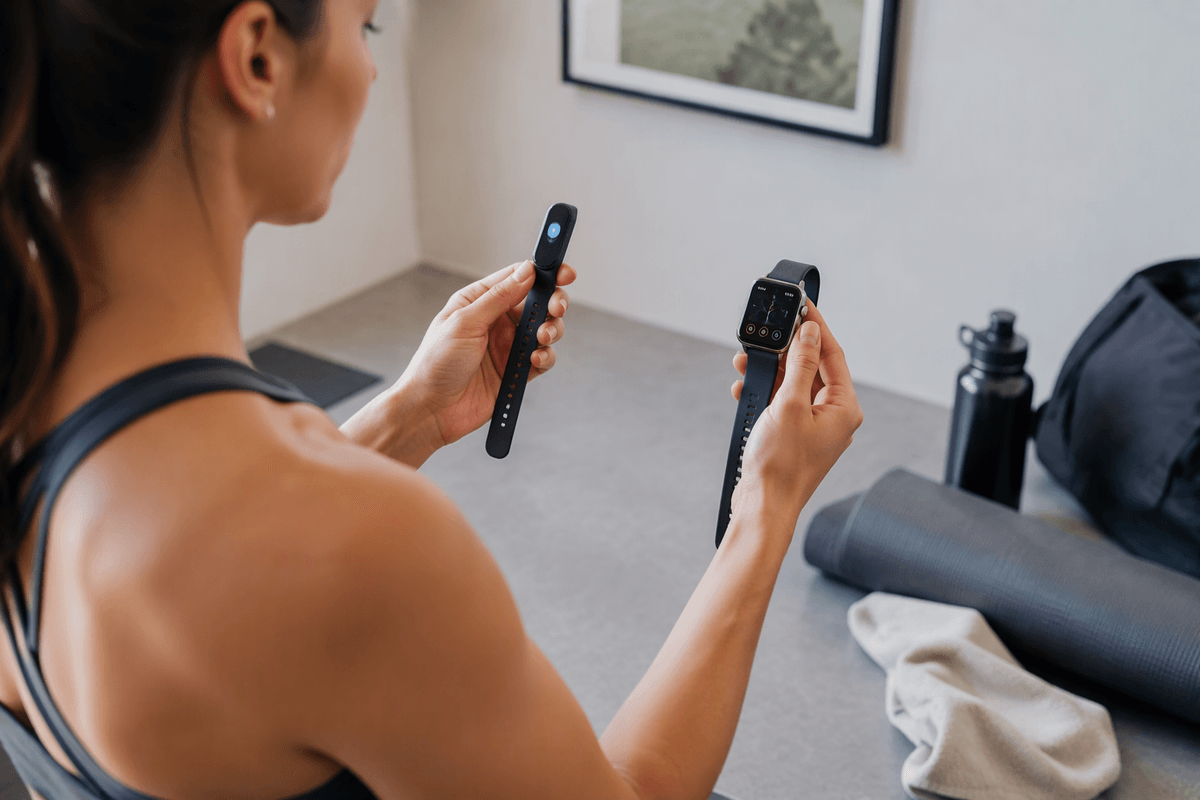
Once the important metrics are clear, separate fitness tracking from smartwatch convenience. A fitness tracker usually focuses on steps, sleep, heart rate, workouts, and battery life in a smaller package. A smartwatch may offer similar health tools while adding notifications, calls, apps, music controls, payments, maps, and a brighter interactive screen. Those extras are useful if you want to leave your phone behind, but they can also increase cost, size, and charging frequency.
Choose a tracker when passive monitoring and low-maintenance wear matter more than on-device interaction. Choose a smartwatch when you regularly need workout controls, directions, messages, or phone-free features during the day. Accuracy should still be judged feature by feature: a larger watch is not automatically better at sleep or heart-rate tracking, and a slim band may lack the screen or controls needed for serious training. Compatibility can also narrow the choice, since some watches work best with a particular phone platform. The practical trade-off is simple: pay for the functions you will use repeatedly, not for a smartwatch experience that duplicates your phone.
Battery Life, Comfort, and Durability
Battery life matters most when it protects the habits you want to measure. A tracker that lasts a week can usually record more complete sleep and daily activity than one that needs charging every night. Frequent charging is less troublesome if you already remove the device at your desk, but it becomes inconvenient when workouts, travel, or overnight monitoring are priorities. Check how long charging takes as well as the advertised battery rating, since GPS use, bright displays, notifications, and always-on sensors can reduce it.
Comfort determines whether you keep wearing the device. A lighter band may disappear on your wrist during sleep, while a larger watch can feel more secure during workouts but become noticeable throughout the day. Consider the strap material, clasp, screen shape, and whether replacement bands are easy to find. Durability also deserves attention: water resistance is useful for showers and swimming, but it does not guarantee protection from impacts, sweat, or saltwater. A rugged design may add weight and cost, so match it to your activities rather than paying for protection you will rarely need.
Subscription Costs and Device Compatibility
The purchase price is only part of the cost. Some trackers provide basic activity, sleep, and workout data without an ongoing fee, while others reserve detailed readiness scores, long-term trends, coaching, or advanced reports for a subscription. Calculate the cost over two or three years rather than judging the first-year discount. A cheaper device can become less attractive if useful features require a monthly plan, especially when comparable metrics are included elsewhere at no extra charge.
Compatibility can matter just as much. Confirm that the tracker works with your phone’s operating system and that the companion app supports the features you expect. Some devices pair broadly but offer a better experience within one platform, while certain health tools, messaging functions, or setup options may be limited on another. Check whether the tracker can operate without your phone during workouts and whether data can be exported if you change brands later. A device may have excellent sensors and battery life yet still be a poor choice if its app is difficult to use, its subscription is unavoidable, or it does not fit your existing phone and services.
Choosing the Best Tracker for You
When comparing final candidates, rank your priorities instead of choosing the device with the longest feature list. A casual walker may get the best value from a slim band with reliable steps, sleep tracking, and week-long battery life. A runner may reasonably pay more for accurate GPS, physical workout controls, and detailed training data. Someone who wants calls, maps, payments, and phone-free workouts may prefer a smartwatch, provided its size and charging demands fit daily use.
Use a short checklist before buying: required metrics, phone compatibility, expected battery life, comfort during sleep and exercise, subscription cost, and return policy. If two devices perform similarly, choose the one you will wear consistently and understand easily. Consistent, usable data is usually more valuable than advanced features that increase cost but rarely change your decisions.