You just want one subscription that won’t disappoint
You sign up, open the app, and immediately test it with three or four “must-watch” shows. One loads in Japanese with subtitles, another only shows an English dub, and a third isn’t there at all. That’s the moment most people realize the real risk isn’t price—it’s paying for a service that doesn’t match how you actually watch anime on a normal weeknight.
Crunchyroll and Funimation used to feel like a clean split, but consolidation has made the overlap messy and the gaps harder to predict. Even when a title exists on both, the version you want (sub or dub), the season you’re on, or the release timing can differ. The annoying part is you often don’t discover that until you’re already paying, so the decision has to start with what you plan to watch, not the logo.
Start with your watchlist, not the brand names
Most people don’t sit down thinking, “I want Crunchyroll” or “I want Funimation.” They think, “Tonight I’m finishing season 2,” and they want the same audio option, the right season, and the next episode to be there. So build a short watchlist first: 10–15 titles you’ll realistically watch in the next month, including at least three currently airing shows and a few older favorites. Then check each title on both services, but do it like a checklist: does it have the season you need, is the sub and/or dub actually available, and does it show up in your region.
This sounds tedious because it is. Titles with similar names, split seasons, or different “season” labeling can trick you into thinking something’s missing when it’s just filed differently. And if you’re picky about English dubs, note that “has a dub” often means “has some dubbed episodes,” which can still leave you stuck mid-season. That’s the kind of mismatch you want to catch before you pay—and it usually points to a specific reason when a title isn’t where you expect.
When you hit a missing title, what’s the real cause?
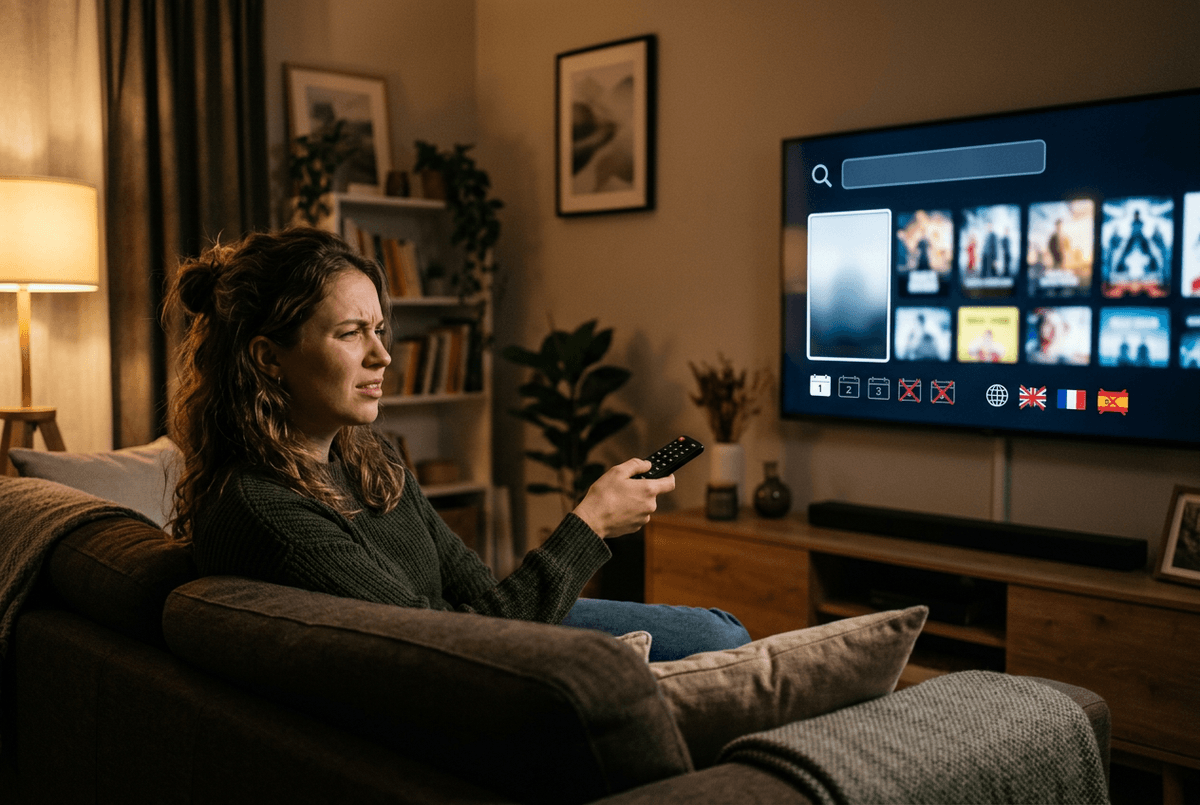
You search a title you’re sure exists, and the result is either empty or half-right: only one season, only one language track, or a listing that won’t play. Before you assume the service “doesn’t have it,” check what kind of missing this is. If the show is licensed but the page is gone, it’s often a rights change or an expired deal. If the page exists but your preferred audio doesn’t, that’s usually a separate dub/sub license or a dub that’s still catching up.
Another common cause is packaging. Movies get split into “TV” versus “film” entries, OVAs sit under a different series page, and “season 2” might be labeled as a new show name. Region is the quiet one: US and Canada usually align, but not always, and traveling can flip availability overnight. The downside is you can’t fix any of this with settings; you can only choose the service whose gaps you can live with.
Once you know why a title is missing, the more important question becomes how often that problem hits your watchlist—and how patient you are when it does.
Subs-first or dub-first: which release pace do you tolerate?
You start a new seasonal show, and the decision hits fast: do you watch the subtitled episode the day it drops, or do you wait until the English dub catches up? If you’re sub-first, delays usually feel like a deal-breaker because you’re trying to stay in sync with weekly discussion and avoid spoilers. In practice, that pushes you toward the service that reliably gets the subtitled version up first for the titles you follow.
If you’re dub-first, the question isn’t “does it have a dub?” but “how quickly does the dub arrive, and does it stay consistent?” Some series get dubbed in steady weekly batches; others stall for weeks mid-season. That’s where a single subscription can feel punishing: you either pause the show, switch to subs (and lose the habit you wanted), or go looking elsewhere.
Older shows flip the math. Dubs may exist, but not on the service that has the complete season list in your region. Before you choose, pick three currently airing shows and check their last few episode dates in both languages—then decide what kind of waiting you’ll actually tolerate.
The merger question: is Funimation still worth choosing?
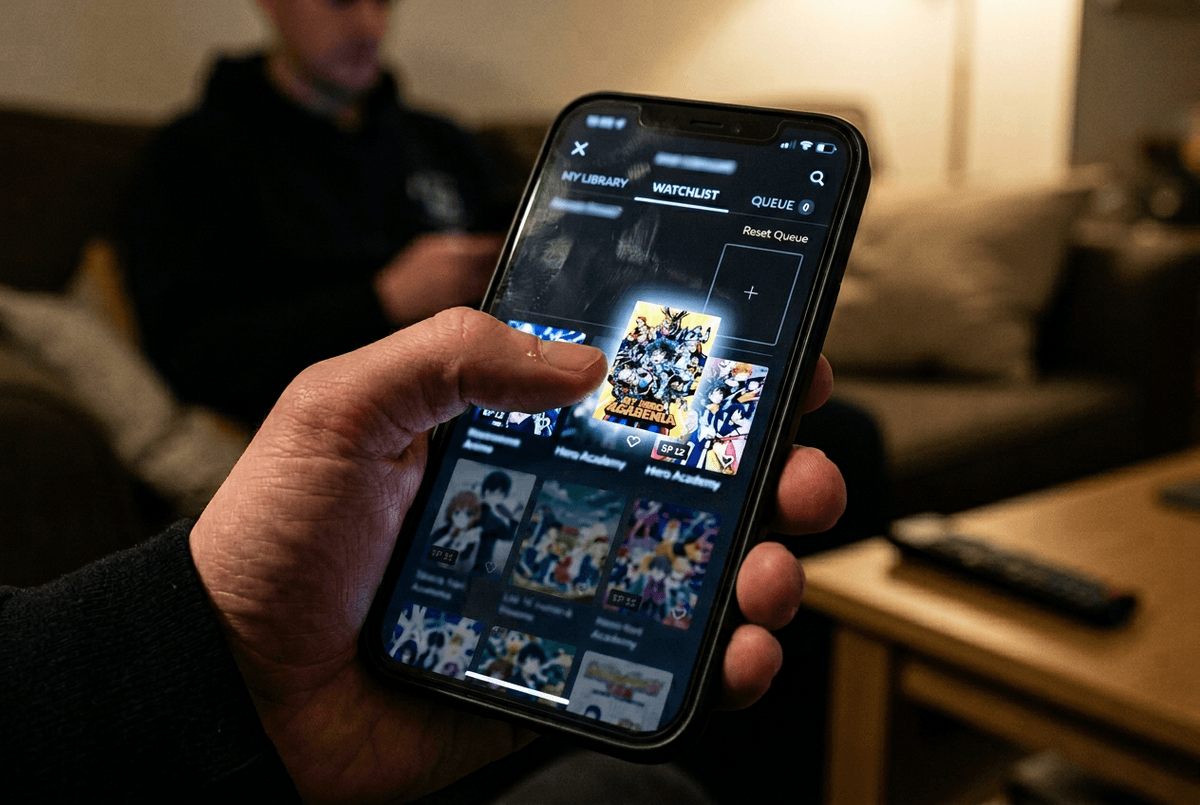
You try to solve the dub problem by picking Funimation, because that’s what older advice still says. Then you hit the wall: Funimation isn’t a real “choice” anymore as a standalone streaming home. The Funimation app and accounts were shut down on April 2, 2024 as part of the move into Crunchyroll. ([animenewsnetwork.com](https://www.animenewsnetwork.com/news/2024-02-07/funimation-app-shuts-down-on-april-2-as-its-accounts-merge-with-crunchyroll/.207344))
So the practical question becomes narrower: is there any reason to keep a leftover Funimation subscription or billing path alive? For most viewers, no—because the shows you’re trying to reach are meant to be watched on Crunchyroll now, and support articles focus on fixing lingering Funimation charges rather than recommending it as an option. ([help.crunchyroll.com](https://help.crunchyroll.com/hc/en-us/articles/22843839604500-Funimation-End-of-Services))
The annoying part is cleanup. Watch history, queues, and especially any “purchased” digital items may not carry over the way you expect, so plan for some manual rebuilding. ([cnet.com](https://www.cnet.com/tech/services-and-software/funimation-to-end-heres-what-you-can-do-with-your-anime-account/)) That makes the day-to-day app experience on your actual devices the deciding factor from here.
Your daily experience matters: apps, profiles, and downloads
You feel the difference on the couch, not in a catalog chart. One app remembers where you stopped, switches audio tracks cleanly, and doesn’t make you hunt for the next episode; the other makes a simple weeknight watch feel like setup work. So test Crunchyroll on the devices you actually use—Roku, Fire TV, Apple TV, PlayStation, phone—and do it like a stress test: start an episode, change from Japanese to English (or back), jump ahead, then exit and resume.
Profiles matter more than people expect. If you share a TV, separate profiles keep watch history and “continue watching” from turning into noise, especially when one person watches subs and another waits for dubs. Downloads are the other make-or-break feature: check whether your plan supports offline viewing and whether downloads expire or fail when you lose signal.
If the app is flaky, the “right” library won’t save the subscription—so the final decision is about setting one default habit you’ll stick to.
Make the call and set a default viewing habit
You’ll end up happier if you commit to one default rule you can follow without thinking. If you watch week-to-week and hate spoilers, set “subs tonight, dubs later” as your baseline: watch subtitled episodes as they drop, and only switch to English when the dub is complete or comfortably ahead. If you’re dub-first, pick three current shows you care about and accept that you may need to wait—or you’ll keep breaking your own rule mid-season.
With Funimation shut down as a service, the “one subscription” choice is effectively Crunchyroll for most people. The real constraint is habit: build one watchlist inside Crunchyroll, turn on separate profiles, and do a 7-day test where you don’t “rescue” missing episodes by bouncing between apps. If that week feels smooth, keep it and stop shopping.