You’re close to buying—what’s actually different here?
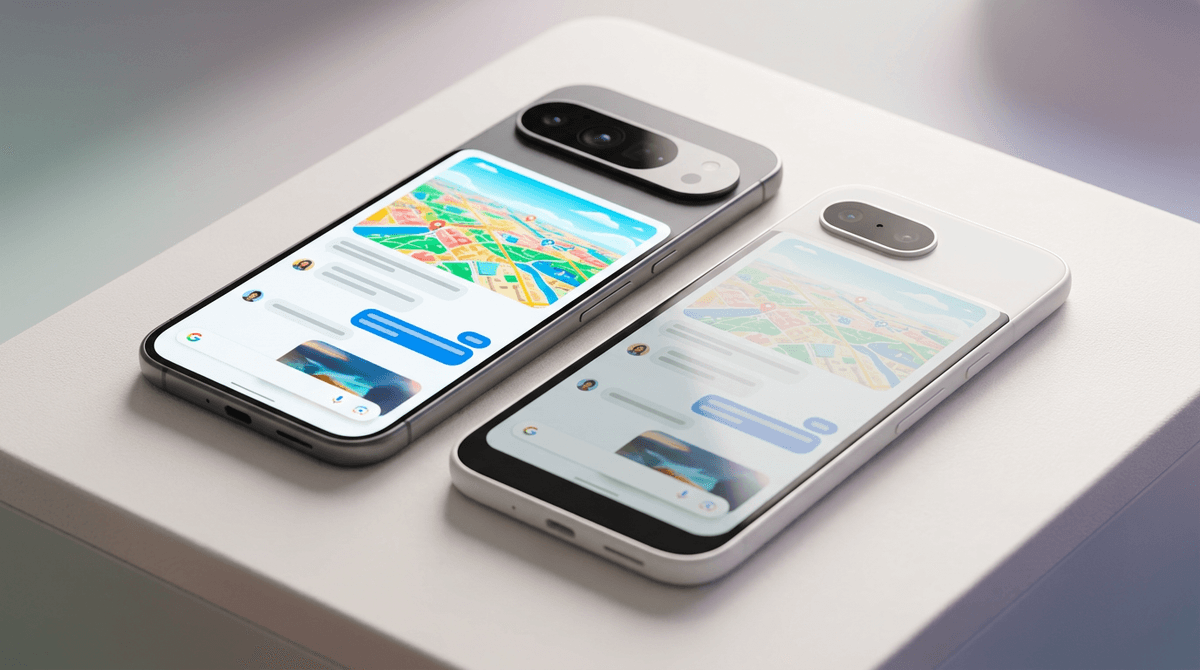
You’re usually not stuck on whether either phone is “good.” You’re stuck on whether you’ll feel the difference every day after the return window closes. With Pixel 9a vs Pixel 9, the spec list hides the real separators: the way the screen looks and scrolls in bright light, how the phone feels in-hand after a week of pockets and one-handed use, and which photos come out cleaner when lighting gets tricky.
The hard part is paying extra for improvements you won’t notice. If your current phone is 2–4 years old, both will feel fast at first—until heat, camera edge cases, and charging habits start shaping your routine.
Start with the price gap and the regret test
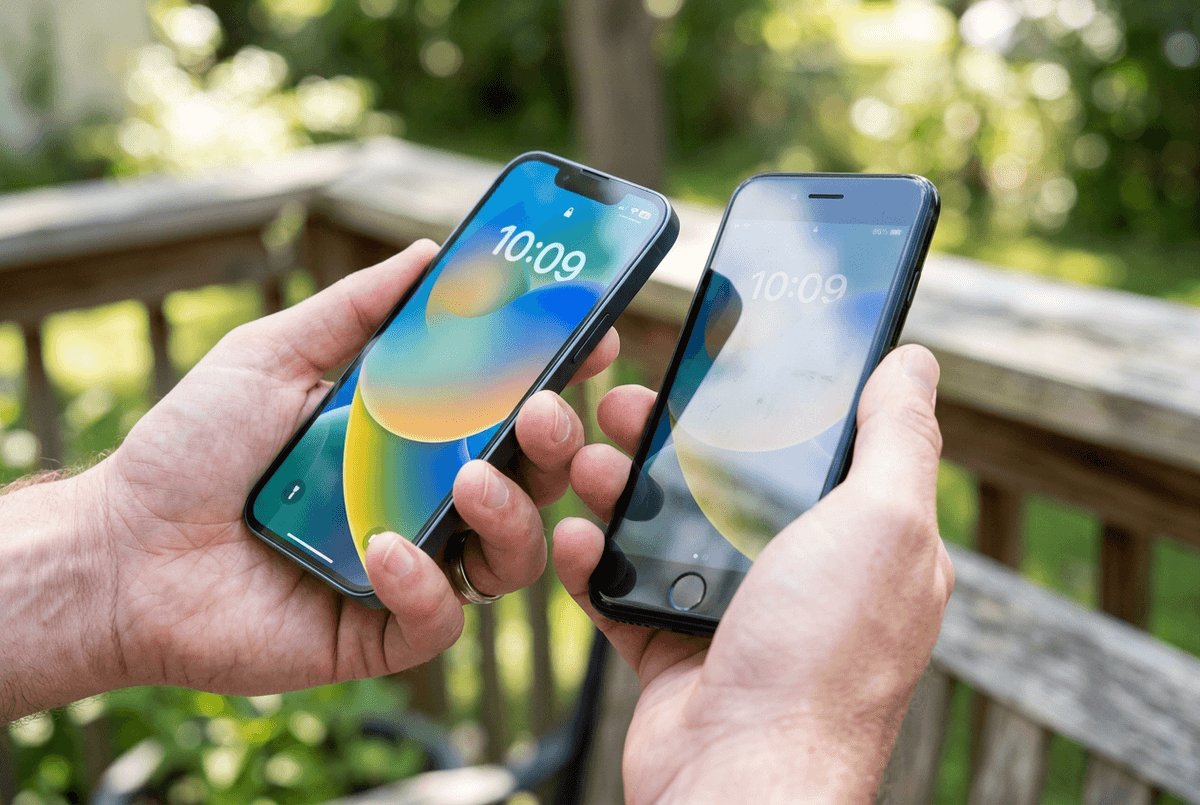
You look at the two prices and do the quick math: “Is this extra cost going to show up in my day, or just on a spec sheet?” A clean way to answer is a regret test. Imagine it’s 30 days from now and you can’t return it. What would annoy you more: paying extra for the Pixel 9 and not feeling it, or saving with the 9a and realizing you actually care about the nicer version?
If your use is mostly messaging, maps, social, and casual photos, the 9a tends to pass the “no regrets” bar because it keeps the core Pixel experience. The downside is you’re more likely to notice the cut corners later, not on day one—especially outdoors, or when you handle both phones back-to-back.
That’s where screen feel and build start deciding the gap.
How the screen and build feel after a week
A week in, the difference usually shows up in two places: when you’re outside, and when you’re using the phone one-handed while doing something else. If you scroll a lot in bright daylight—maps, message threads, shopping pages—you’ll care about how high the display gets and whether reflections wash out fine text. Put the phones side-by-side in the sun and the Pixel 9 typically looks more confident; alone, the 9a can still be “fine,” but you may bump brightness more often.
Build is the other slow-burn. After pockets, a case swap, and a few days of picking it up from a table, you notice edges, weight balance, and how slippery it feels. The Pixel 9 tends to feel more solid and less “hollow,” but that comes with a practical cost: it’s easier to baby. One drop can turn a nicer build into a repair decision.
That day-to-day feel matters most when the camera is also asking more of the hardware.
Camera results: the moments where Pixel 9 pulls ahead
You notice the camera gap most when you don’t have time to “set up” the shot. Think dim restaurants, kids moving indoors, pets in mixed light, or a quick photo at night where you want the background to stay readable instead of turning into mush. In those moments, the Pixel 9 more often gives you a keeper on the first try: cleaner faces, less smear on motion, and fewer shots where highlights blow out while shadows go flat.
Video is another place the difference can feel real. If you record while walking, panning, or juggling a stroller, the Pixel 9 usually looks steadier and less jittery, and it holds detail better when lighting shifts mid-clip. That matters if you share clips unedited, straight from the camera roll.
The practical downside: in bright daylight, both can look surprisingly close, and Pixel-style processing can make “good” scenes converge. If camera edge cases aren’t part of your week, performance and heat management start becoming the bigger daily separator.
Performance in daily apps, gaming, and heat management
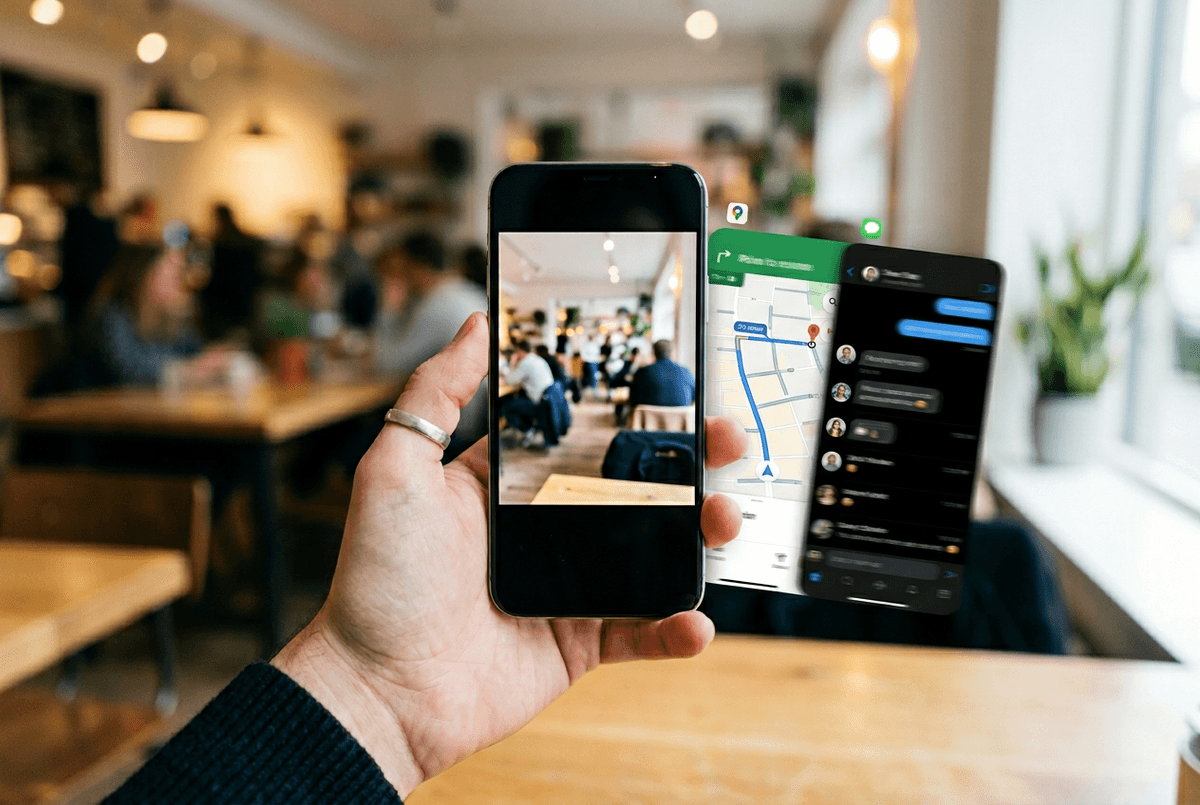
You’ll feel the performance gap when you do “two things at once”: start the camera from the lock screen, jump into Maps, then bounce back to a chat without waiting for reloads. Both phones handle normal apps well, but the Pixel 9 tends to keep more in memory and recover faster after a few hours of stop-and-go use. If you’re coming from a 3-year-old phone, the 9a will still feel like a big upgrade—until you push it harder.
Gaming is where heat shows up. After 15–25 minutes of a heavier title, the 9a is more likely to warm up and drop frame rate to stay stable, especially on cellular. The Pixel 9 usually holds steadier performance longer, but it can still get warm; the difference is how soon you notice it and whether it changes how you grip the phone. If you rarely game, battery habits matter more than raw speed.
Battery and charging: what changes your routine
You feel battery differences when your day is messy: lots of short checks, a couple photo bursts, some GPS, then a long stretch on cellular. In that pattern, the 9a usually lands in the “don’t think about it” zone because it’s not trying to drive as bright a screen as often, and it tends to run a little less aggressively. The Pixel 9 can still last all day, but it’s more likely to swing based on how bright you run it and how often you use the camera.
Charging is where routine changes fastest. If the Pixel 9 tops up meaningfully faster, a 10–15 minute plug-in before you leave can cover a late night. With the 9a, you’re more likely to plan around longer sessions. The real downside: both can slow charging when warm, so car charging after Maps plus sun can feel inconsistent.
That matters more when you’re thinking about keeping the phone for years, not months.
Keeping it three years: updates, repairs, and resale value
Three years in, the phone you still like is the one that stays supported, stays intact, and stays worth something when you’re done. Both Pixels should get years of Android and security updates, but the higher-end model often feels “new” longer because the screen, camera, and sustained performance age more gracefully. That’s the difference between keeping it because you want to, and keeping it because you have to.
Repairs are the real cost you don’t see on launch day. A nicer build can mean pricier parts, and one cracked panel can erase the savings you thought you’d get from resale later. Resale usually favors the Pixel 9, but only if you keep it clean, keep the battery healthy, and don’t rack up damage. If you already know your budget ceiling, this becomes a straightforward buyer-profile call.
Make the call: who should buy 9a vs 9
If you want the simplest “buy and stop thinking about it” choice, the 9a makes sense when your week is mostly messaging, social, maps, and daytime photos—and you’d rather keep the extra cash than chase nicer edges. Just be honest about what bugs you: if dim indoor photos, steadier video, outdoor readability, or gaming heat have annoyed you before, the Pixel 9 is the safer spend.
The one practical catch either way: budget for a case and screen protector, and assume one repair can wipe out the value gap. Buy for the moments you repeat every week, not the ones you imagine once a month.