Why Travel Keyboards Need Different Priorities
A keyboard that feels perfect at a desk may become a poor travel companion once it has to share space with chargers, notebooks, and clothing. On the road, every extra inch and ounce affects how willingly you pack it, while cramped keys or an awkward layout can make long writing sessions frustrating. Wireless convenience also introduces questions about pairing, charging, and compatibility with laptops, tablets, and phones.
That makes travel keyboards a balancing exercise rather than a feature-counting contest. A slim design may sacrifice key travel, a long battery rating may depend on limited backlighting, and a low price can mean weaker construction or fewer device options. The practical choice is the model that fits your usual bag, supports your devices reliably, and remains comfortable enough to use when a quick email becomes several hours of work.
Start With Size, Weight, and Packing Space
Start with the space the keyboard will actually occupy in your bag, not the dimensions listed on the product page. Measure the pocket or sleeve where you plan to carry it, then account for a case, tablet, and charging cable. A keyboard that barely fits at home may be inconvenient when it has to slide beside a laptop or share a small personal item.
Weight matters most when you carry the keyboard every day, especially on flights, commutes, or walking-heavy trips. Ultra-compact models usually save space by using narrow key spacing, shortened modifier keys, or a layout that takes time to learn. Foldable keyboards can pack even smaller, but their hinges add moving parts and may feel less stable on uneven surfaces. Full-size travel models are easier to use for sustained typing, yet they can consume enough room to replace another useful item in your bag.
For frequent travel, compare packed dimensions and usable typing area together. The best fit is rarely the smallest keyboard; it is the lightest model that still gives you enough key spacing and stability to avoid leaving it behind.
Which Layout Fits Your Working Style?
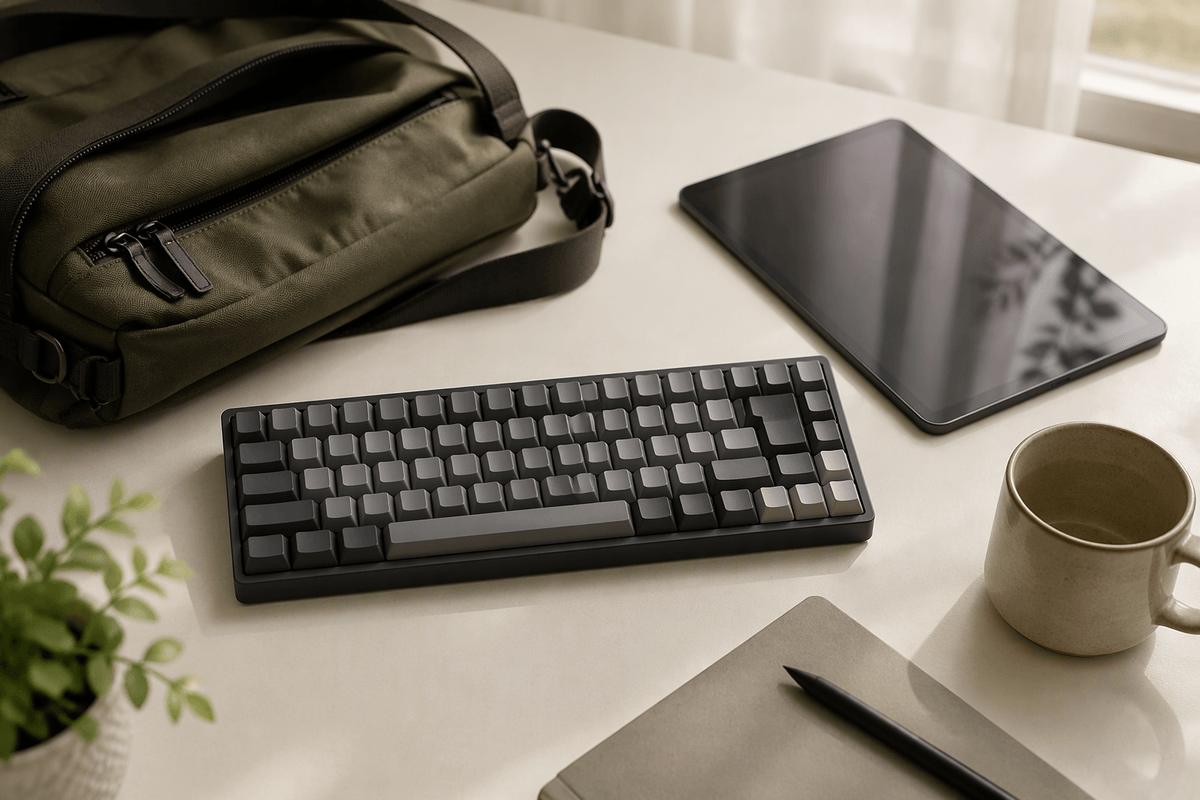
A compact keyboard can fit your bag and still slow you down if its layout does not match the way you work. Tenkeyless models remove the number pad while preserving familiar spacing, making them a practical choice for writing, email, and general office tasks. Smaller 75% or 65% layouts save more space, but they may combine navigation keys or move functions behind shortcuts.
Pay close attention to the keys you use without thinking. Frequent spreadsheet work favors a dedicated number pad, although that usually makes the keyboard wider and less travel-friendly. Writers may prefer standard-size letter keys and full-size Shift, Backspace, and Enter keys over an especially thin design. If you switch between Windows, macOS, iPadOS, or Android, check the modifier labels and operating-system shortcuts rather than assuming every layout will behave the same way.
Foldable and split designs can reduce packing size, but they often require an adjustment period and may feel less stable on a café table. A familiar layout is usually worth a little extra bulk when you type for hours.
Bluetooth or Wireless Dongle for Travel?
Bluetooth is usually the simplest option for travel because it connects directly to laptops, tablets, and phones without occupying a USB port. That matters when a tablet has only one port or when you are already using it for charging. Bluetooth keyboards can also pair with several devices, allowing you to switch between a laptop and phone without carrying an adapter. The trade-off is that pairing can take time, and compatibility may vary with older devices or unusual operating systems.
A wireless dongle often provides a more consistent connection and can feel nearly instantaneous when you start typing. It is useful with laptops that have a standard USB-A port, particularly in busy wireless environments. However, the receiver is easy to lose, may require an adapter for newer USB-C devices, and occupies a valuable port. Some keyboards support both connection methods, which adds flexibility but usually increases cost. For most travelers, Bluetooth is the better default; choose a dongle or dual-mode model when reliable desktop-style performance matters more than minimizing accessories.
Battery Life Matters More Away From Home
A keyboard’s battery rating matters more when you cannot count on a desk, outlet, or spare charging cable. Look beyond the headline number and check how the manufacturer measures it. Battery life may be much shorter with backlighting, frequent device switching, or heavy daily use. A model rated for several months without lighting may last only weeks when used for writing every day.
Rechargeable keyboards are convenient because you avoid carrying disposable batteries, but they must be charged before a flight or long work session. Check whether the keyboard can operate while charging and whether it uses a common USB-C cable. Replaceable batteries can last longer between changes and are easy to restore in remote locations, although they add ongoing cost and require keeping spares available. Battery indicators are also useful; without one, a keyboard may stop working with little warning.
For regular travel, prioritize dependable endurance and simple charging over an impressive laboratory estimate. A keyboard that lasts through your normal trip and uses the same cable as your other devices is usually more practical than one with a higher rating but inconvenient power needs.
Comfort, Durability, and Spill Resistance
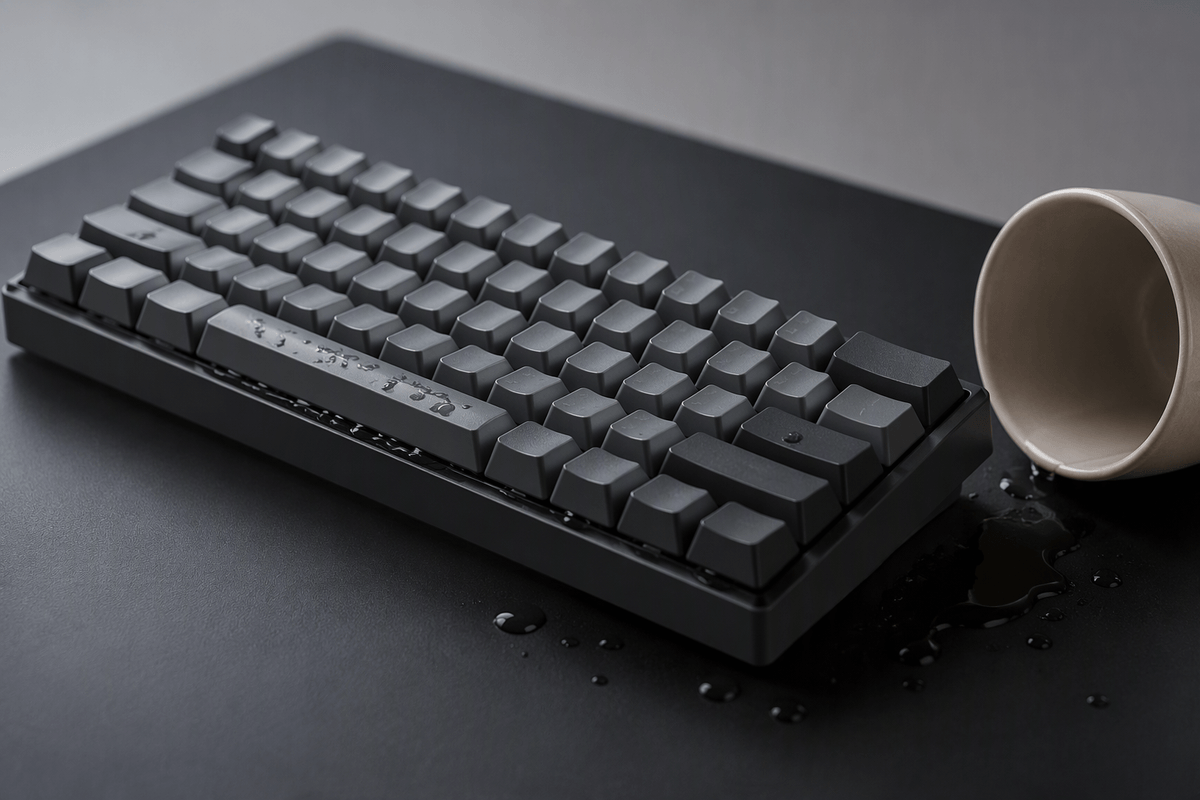
Comfort becomes easier to judge when you consider where you will type, not just how the keyboard feels for a few minutes. Low-profile keys can reduce bulk and make a keyboard quieter in shared spaces, but they may feel shallow during long writing sessions. A stable base, clear key resistance, and familiar spacing matter more than decorative features. If you often work from hotel desks, airport lounges, or café tables, check whether the keyboard flexes or slides when you type quickly.
Travel also exposes keyboards to dust, pressure, and accidental spills. A rigid frame and reinforced hinges are valuable if the keyboard will be packed tightly or used daily, while a protective case can prevent damage from chargers and other equipment. Spill resistance may limit damage from a small splash, but it does not make a keyboard waterproof; liquid can still reach switches, batteries, or charging ports. Sealed designs are often harder to clean or repair, and stronger construction may add weight. Choose the level of protection that matches your habits rather than paying for ruggedness you will rarely use.
Choosing the Best Keyboard for Your Trip
The right choice depends on what your trip demands most. For short flights and occasional emails, a light Bluetooth keyboard with standard-size keys may be enough. Frequent writers should accept a little extra bulk for better spacing, stability, and comfort. Spreadsheet users may need a number pad, while tablet travelers may value a protective case and easy device switching more than maximum battery life.
Compare each model against your actual routine: packed dimensions, connection method, charging cable, operating-system support, and resistance to daily handling. Also consider the cost of compromises. A cheaper keyboard may save money but become frustrating if its layout slows you down or its battery cannot last through a workday. The best travel keyboard is the one you will carry consistently and use comfortably wherever the trip takes you.